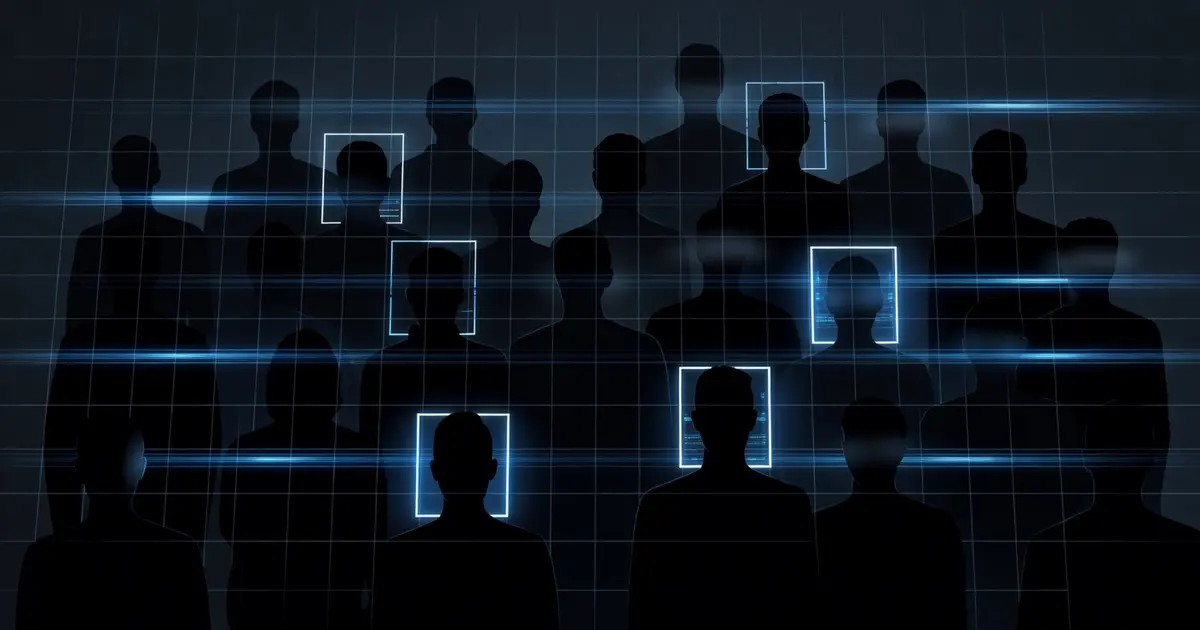
Selective Face Recognition for Documentary Privacy
I built a face recognition system that identifies specific people and blurs everyone else — protecting documentary subjects' privacy in real-time.
Table of Contents
Why Should You Care?
Documentary footage contains people who didn’t agree to be filmed. Background subjects at a public location, bystanders during an interview, third parties in incidental shots. You want to protect their privacy without cutting the footage entirely.
At the same time, you have specific subjects — interview participants, people who signed releases — whose faces you need to preserve clearly. Blanket blurring isn’t an answer. Neither is manual frame-by-frame masking in After Effects.
Tactical ID is my solution: a Python tool that identifies a curated set of known faces and blurs everyone else. Known subjects pass through untouched. Everyone else gets a privacy blur. One command, per-frame, across an entire video.
Two Operating Modes
Mode 1: Instant Block — Blur every detected face immediately. No recognition, no database. Fast. Used when I need to quickly de-identify footage before sharing a rough cut externally.
python tactical_id.py --mode block --input raw_footage.mp4 --output blocked.mp4
Every face in every frame gets a Gaussian blur. A red [FACE DETECTED] label appears at the bounding box. Processing rate: ~18 fps on GPU.
Mode 2: Selective Recognition — Compare each detected face against a database of known encodings. Recognized faces pass through. Unrecognized faces get blurred. This is the mode that requires setup.
python tactical_id.py \
  --mode selective \
  --known-dir ./known_faces/ \
  --input interview_footage.mp4 \
  --output protected.mp4
The dlib Stack
The tool is built on two libraries:
dlib — C++ library for machine learning, with a Python binding. Provides:
HOG + SVMface detector: fast, CPU-efficient, misses small faces- CNN face detector (MMOD): slower, more accurate on difficult angles and small faces
- 68-point facial landmark predictor: locates eye corners, nose tip, mouth edges
- ResNet face recognition model: encodes a face as a 128-dimensional vector
OpenCV — Video I/O, frame manipulation, Gaussian blur application. dlib handles the face intelligence; OpenCV handles everything else.
The recognition model outputs a 128-dimensional float vector (face encoding) for any face image. Two encodings from the same person cluster close together in this 128-dim space. Two encodings from different people are farther apart. The comparison is Euclidean distance with a threshold.
Installation: The Hard Part
This is where most people get stuck. dlib requires a compiled C++ extension, and the version pinning matters.
python3.12 -m venv venv
source venv/bin/activate

# Install in this exact order
pip install cmake
pip install numpy==1.26.4        # must be installed before dlib
pip install dlib-bin==19.24.6    # pre-compiled wheel — avoids building from source
pip install face-recognition==1.3.0
pip install opencv-python==4.9.0.80
Why dlib-bin instead of dlib? The dlib package builds from source, which requires CMake, a C++ compiler, and a working BLAS/LAPACK installation. dlib-bin is a pre-compiled wheel that sidesteps the entire toolchain. It’s pinned to 19.24.6 because later versions changed the pybind11 ABI and the pre-compiled wheel stopped being available.
Why must numpy be installed first? dlib’s pybind11 extension expects numpy’s C headers at compile time (or at least at import time). Installing dlib before numpy causes ImportError: numpy contiguity violation on the first frame.
If you hit this error:
ValueError: ndarray is not C-contiguous
The fix is:
frame = np.ascontiguousarray(frame) # force C-contiguous layout before passing to dlib
Add it at the top of your frame processing loop. dlib’s pybind11 binding requires C-contiguous arrays — column-major (Fortran-order) arrays from certain numpy operations fail silently or corrupt the face detection.
Building the Face Database
The known_faces/ directory holds reference images — one or more photos per known person, organized in subdirectories:
known_faces/
├── subject_a/
│   ├── photo_01.jpg
│   ├── photo_02.jpg
│   └── photo_03.jpg
├── subject_b/
│   └── headshot.jpg
└── subject_c/
    ├── side_profile.jpg
    └── direct_facing.jpg
The encoding pipeline:
import face_recognition
import numpy as np
from pathlib import Path
import json

def build_encodings(known_dir: str) -> dict:
    """
    Walk known_faces/ and compute a mean encoding per person.
    Returns {"subject_a": ndarray(128,), ...}
    """
    encodings = {}

    for person_dir in Path(known_dir).iterdir():
        if not person_dir.is_dir():
            continue

        person_encodings = []
        for img_path in person_dir.glob("*.jpg"):
            image = face_recognition.load_image_file(str(img_path))
            face_encs = face_recognition.face_encodings(image)
            if face_encs:
                person_encodings.append(face_encs[0])

        if person_encodings:
            # Average multiple reference photos into a single stable encoding
            encodings[person_dir.name] = np.mean(person_encodings, axis=0)

    return encodings
Averaging multiple reference encodings per person produces a more stable centroid than using a single photo. Three to five well-lit reference images from different angles gives reliable recognition.
The encodings are cached to disk as a .npz file so the database doesn’t rebuild on every run:
python tactical_id.py --build-db --known-dir ./known_faces/
# Writes: ./face_db.npz
The Frame Processing Loop
import cv2
import face_recognition
import numpy as np

def process_video(input_path, output_path, known_encodings, tolerance=0.52):
    cap = cv2.VideoCapture(input_path)
    fps = cap.get(cv2.CAP_PROP_FPS)
    width = int(cap.get(cv2.CAP_PROP_FRAME_WIDTH))
    height = int(cap.get(cv2.CAP_PROP_FRAME_HEIGHT))

    out = cv2.VideoWriter(
        output_path,
        cv2.VideoWriter_fourcc(*"mp4v"),
        fps,
        (width, height)
    )

    while True:
        ret, frame = cap.read()
        if not ret:
            break

        # dlib requires C-contiguous RGB — OpenCV gives BGR
        rgb = np.ascontiguousarray(frame[:, :, ::-1])

        # Detect faces (downscale 0.5x for speed, scale boxes back up)
        small = cv2.resize(rgb, (width // 2, height // 2))
        locations = face_recognition.face_locations(small, model="hog")
        locations = [(t*2, r*2, b*2, l*2) for (t, r, b, l) in locations]

        if not locations:
            out.write(frame)
            continue

        encodings = face_recognition.face_encodings(rgb, locations)

        for (top, right, bottom, left), encoding in zip(locations, encodings):
            matched_name = None

            for name, known_enc in known_encodings.items():
                distance = face_recognition.face_distance([known_enc], encoding)[0]
                if distance < tolerance:
                    matched_name = name
                    break

            if matched_name:
                # Known subject — draw name label, no blur
                cv2.putText(
                    frame, matched_name, (left, top - 10),
                    cv2.FONT_HERSHEY_SIMPLEX, 0.6, (0, 255, 0), 2
                )
            else:
                # Unknown — apply Gaussian blur to face region
                face_roi = frame[top:bottom, left:right]
                blur_strength = max(51, (bottom - top) // 3 | 1)  # must be odd
                blurred = cv2.GaussianBlur(face_roi, (blur_strength, blur_strength), 30)
                frame[top:bottom, left:right] = blurred

        out.write(frame)

    cap.release()
    out.release()
Two performance notes:
Downscaling before detection. Running face detection at 0.5x resolution cuts detection time roughly in half. The model="hog" detector is fast on CPU. The CNN detector (model="cnn") is more accurate but requires GPU and is 4-6x slower.
HOG vs CNN. For documentary footage shot at normal distances (person fills at least 10% of the frame), HOG detection is sufficient and runs at 18-25 fps. Switch to CNN if you’re working with wide shots or crowd scenes where faces are small.
The tolerance Parameter
The tolerance threshold controls how strict the face match is. Lower values are stricter (fewer false matches). Higher values are looser (more false matches).
| Tolerance | Behavior |
|---|---|
0.4 | Very strict — misses some legitimate matches, almost no false positives |
0.52 | Default — good balance for clean reference photos |
0.6 | Loose — more matches, risk of false positives in large groups |
For documentary use, I run at 0.50-0.52. A false negative (failing to recognize a known subject and blurring them) is a recoverable problem — re-run with a higher tolerance, or manually review that clip. A false positive (failing to blur someone who should be blurred) is a privacy violation.
When in doubt, tune conservative.
The ASCII-Only putText Fix
OpenCV’s cv2.putText() only renders ASCII characters. If you have subject names with accented characters, special letters, or non-Latin scripts, putText will silently drop them or render garbage.
The fix: sanitize labels before rendering.
import unicodedata

def ascii_safe(text: str) -> str:
    """Strip non-ASCII characters for cv2.putText compatibility."""
    normalized = unicodedata.normalize("NFKD", text)
    return "".join(c for c in normalized if ord(c) < 128)

# Usage
label = ascii_safe(matched_name)
cv2.putText(frame, label, (left, top - 10),
            cv2.FONT_HERSHEY_SIMPLEX, 0.6, (0, 255, 0), 2)
If you want proper Unicode rendering in video overlays, use PIL’s ImageDraw.text() instead of cv2.putText() — PIL supports arbitrary fonts and full Unicode. The tradeoff is a numpy → PIL → numpy round-trip per frame, which adds ~2ms per frame.
Face Swap Mode
There’s a third mode in the tool: face swap. It replaces a detected face region with a static image (useful for protecting subjects in screenshots and thumbnails, or for documentary mock-up work).
python tactical_id.py \
  --mode swap \
  --swap-target ./replacement_face.jpg \
  --input frame.jpg \
  --output protected_frame.jpg
The swap uses an affine transform to align the replacement image’s facial landmarks to the detected face’s landmarks before compositing. It’s not seamless — the edges are visible — but it’s good enough for stills that won’t be scrutinized frame-by-frame.
Privacy Model and Limitations
Tactical ID operates entirely offline. No API calls. No cloud upload. Face encodings are 128-dimensional float arrays that live in a local .npz file — they never leave the machine. This matters for documentary work: the footage often contains sensitive subjects, and uploading frames to a cloud service for processing isn’t acceptable.
Limitations to be aware of:
Profile angles. The HOG detector struggles with faces turned more than ~45 degrees from camera. If a subject is consistently in profile during an important clip, their face may not be detected at all — which means it won’t be blurred in instant-block mode.
Twins and look-alikes. The 128-dim embedding space clusters similar faces close together. At tolerance=0.52, identical twins are often indistinguishable. If this is a concern, tighten to 0.45 and accept more false negatives.
Masks and occlusion. dlib’s face detector doesn’t reliably detect masked faces. If subjects are wearing masks, face detection fails for most of the frame area.
None of these are reasons not to use the tool — they’re reasons to understand its coverage and plan a manual review pass for edge cases.
What You Learned
- dlib-bin 19.24.6 is the stable pre-compiled wheel — building
dlibfrom source requires a full C++ toolchain and is the primary source of installation failures - numpy must be installed before dlib: the pybind11 binding expects numpy C headers at import time; wrong install order causes
ndarray is not C-contiguouserrors np.ascontiguousarray()is the fix for that error at runtime — always wrap frames before passing to dlib’s pybind11 functions- Tolerance tuning is asymmetric in documentary use: a false negative (blurring a known subject) is recoverable; a false positive (not blurring an unknown) is a privacy violation — tune conservative
cv2.putText()is ASCII-only: sanitize labels throughunicodedata.normalize("NFKD")or switch to PIL’sImageDrawfor Unicode overlay text